
#1 Agentic scheduling platform
- OpenClaw & MCP ready
- 14+ social networks
- APIs available
Run your social media on autopilot with AI agents
Plan, generate, and schedule posts across LinkedIn, Instagram, TikTok, X, Bluesky, YouTube, Telegram, and more—then review and edit in one visual calendar. Connect OpenClaw, Claude, Cursor, or any MCP client to your Post See workspace.
- TikTok
- X (Twitter)
- Bluesky
- Threads
- YouTube
- Telegram
- Discord
- Google Business
- Mastodon
No credit card required
Used by top content creators and businesses worldwide


- Flexport
- Algolia
- Gusto
- Zapier
- Coinbase
- Stripe
Create once, publish everywhere
Posting across multiple apps and tracking results gets complex. Post See brings workspace, scheduling, and analytics into one platform.
AI Suite: APIs and automations
Bulk Content Scheduling
Multi-Account Management
Per-Platform Optimization
Channel-level Analytics
Cross-Platform Posting
Visual Content Calendar
Automated Smart Queue
Workspace Management
One workspace, many ways to ship content
One workspace for your calendar, composer, and queues. Ship through bulk scheduling, multi-account posting, previews, and analytics—the same flows work solo or with teams across regions.
Publish across networks
Connect major social profiles
Timezone-aware scheduling
Bulk and campaign queues
Per-post delivery context
Plan in one calendar
Shared content calendar
Drafts and approvals
Media per network
Drag, duplicate, reschedule
See what is working
Per-channel snapshots
Engagement signals
Posting window patterns
Summaries you can share
Move faster, fewer mistakes
Quick composer
Per-network previews
Reusable copy snippets
Mobile-friendly dashboard
The workflows marketers actually need
Plan, publish, and review performance without a dozen browser tabs or another “temporary” spreadsheet.
Faster scheduling
Tired of rewriting the same post in every native app? Compose once, tune per network, and queue from one place.
Reliable publishing
Missed sends and last-minute scrambles hurt trust. Use drafts, approvals, and scheduled publishing to keep cadence steady.
Replies in context
Easy to lose threads when notifications are everywhere. Pull comments and mentions into one view so nothing gets ignored.
Reuse without sounding robotic
Same idea, different networks—adjust length and tone for LinkedIn, Instagram, Bluesky, and more without starting from zero.
Preview before you post
Wrong crops and cut-off copy look unprofessional. Check length, media, and links per channel before anything goes live.
Bulk for busy weeks
Launch windows and campaigns mean many profiles at once. Select accounts and schedule in one pass instead of repeating steps.
Plan, publish, and measure with Post See
Less retyping and reformatting the same idea for every network.
One calendar everyone can trust for what goes live and when.
Scheduled publishing helps you keep cadence without last-minute panic.
Bulk tools and many profiles when your program outgrows one account.
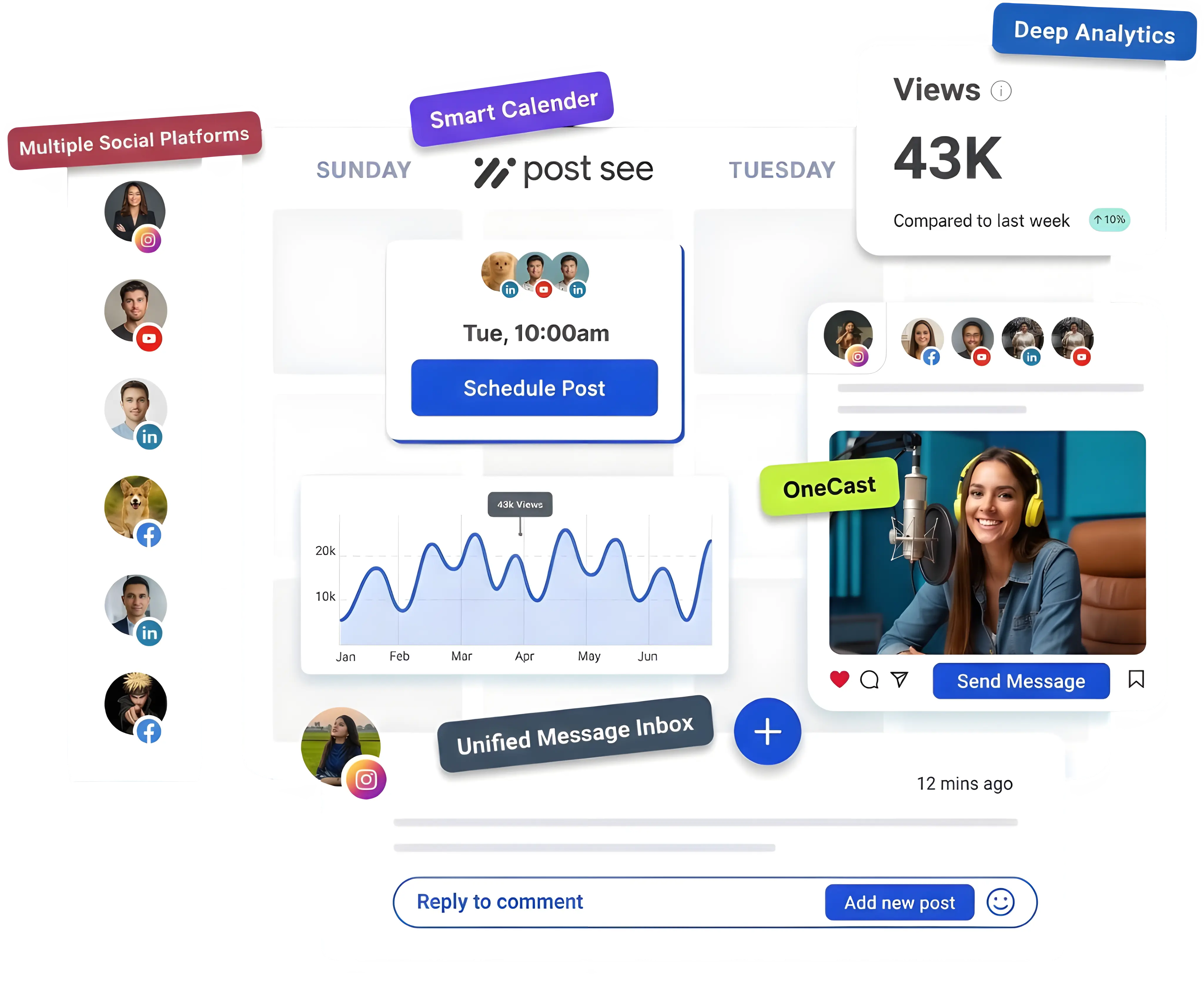
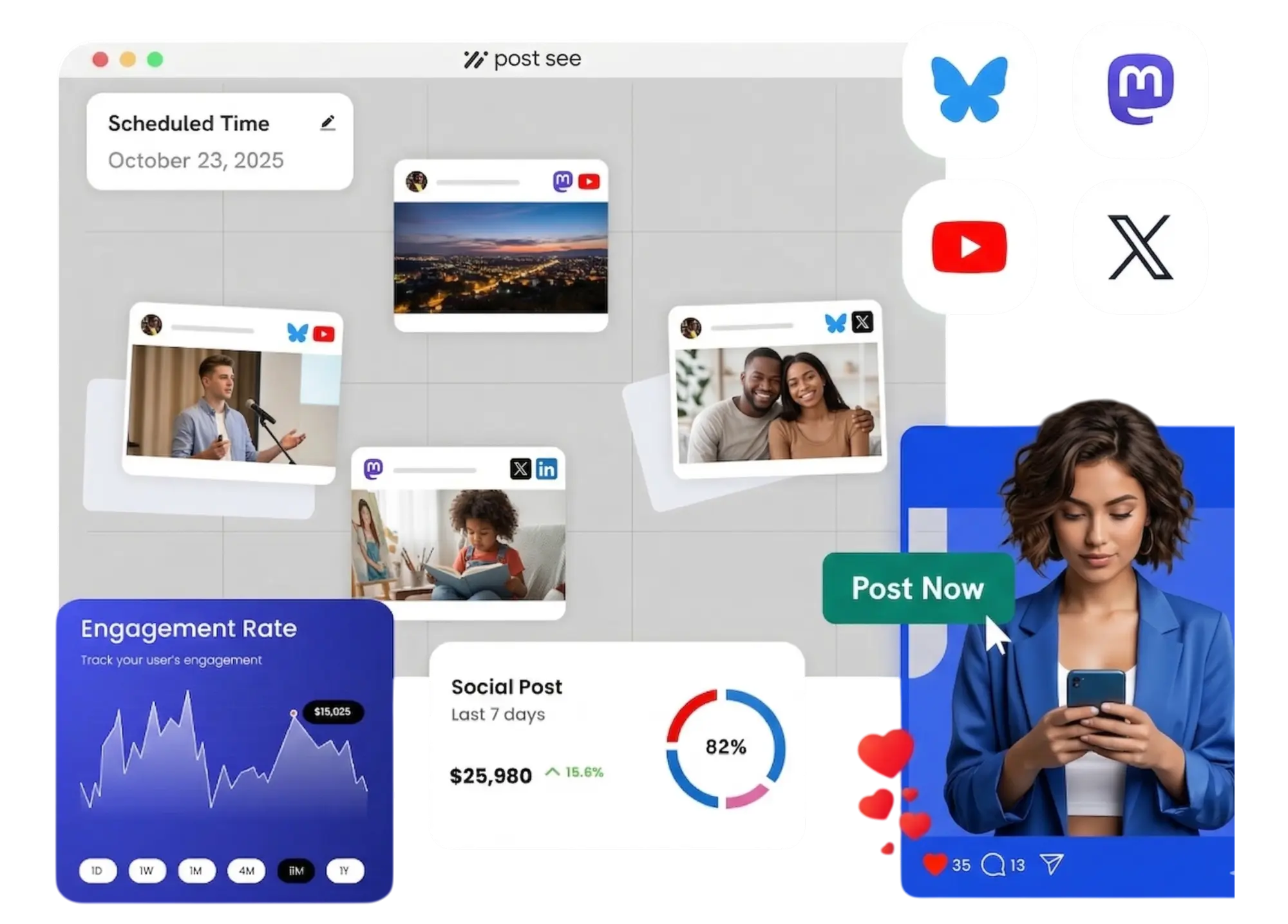
Connect the networks you already use
Connect each profile once, then publish and track from the same workspace—whether your team sits in one office or across countries.
- X (Twitter)
- Bluesky
- Threads
- YouTube
- Discord
- Google Business
- Mastodon
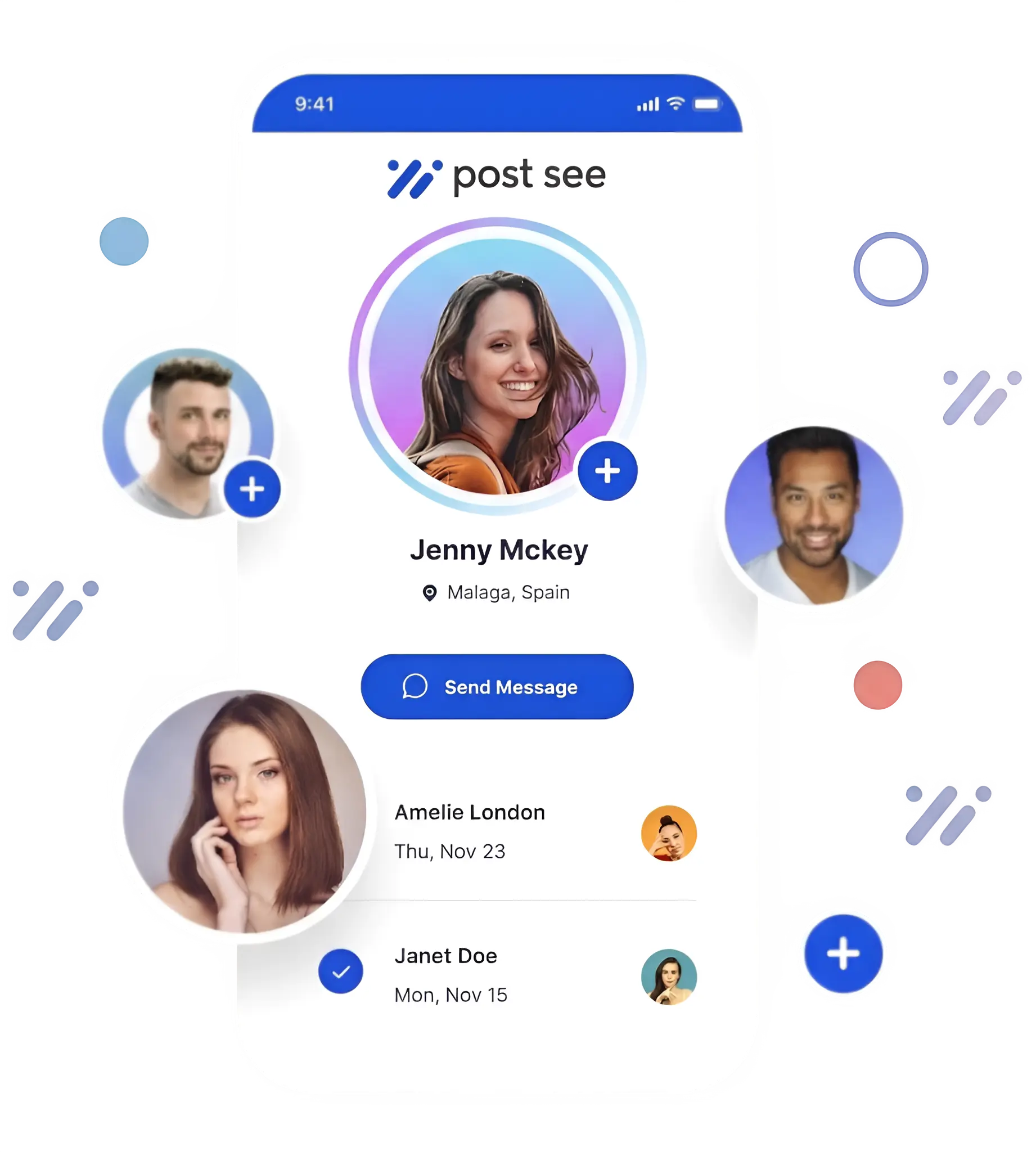
Help when you need it that keeps you moving
Help docs, FAQs, and support when something fails—so you are not left guessing why a post never left the queue.
Same product, different jobs—see how teams use Post See to plan, publish, and review
How teams, agencies, and creators use Post See
Practical workflows for people who post every week—not a one-off campaign tool you forget about.
One workspace for distributed marketing teams
When people work across time zones, “what goes live Tuesday?” should not live in ten chats. Share one calendar, assets, and approvals.
- Draft → review → schedule in one flow—no more status meetings just to confirm copy.
- Media and snippets in a shared library so regional teammates reuse the right assets.
- Per-channel context so everyone sees what is queued, not a wall of screenshots.
- Teams
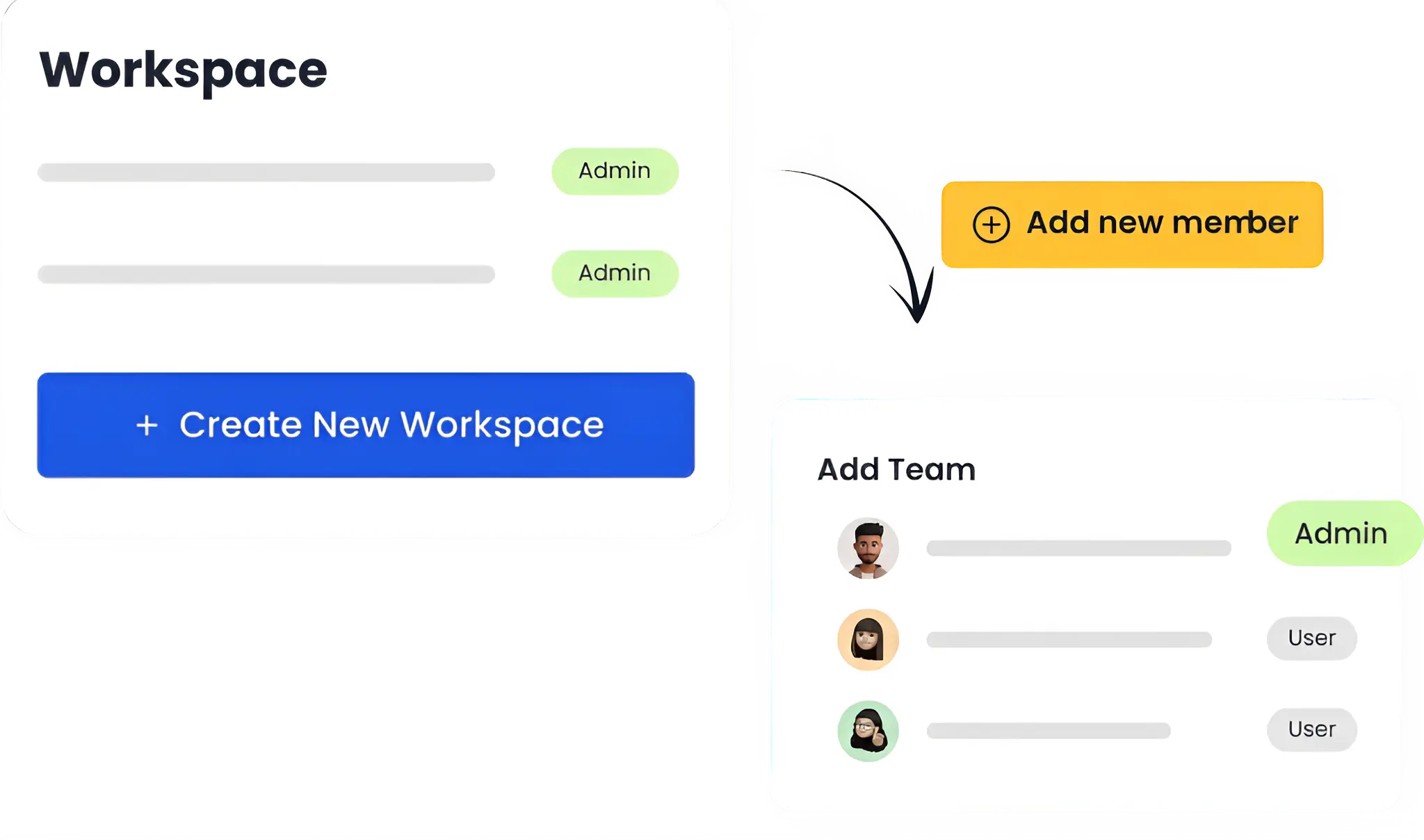
One workspace for distributed marketing teams
When people work across time zones, “what goes live Tuesday?” should not live in ten chats. Share one calendar, assets, and approvals.
- Draft → review → schedule in one flow—no more status meetings just to confirm copy.
- Media and snippets in a shared library so regional teammates reuse the right assets.
- Per-channel context so everyone sees what is queued, not a wall of screenshots.
- Agencies
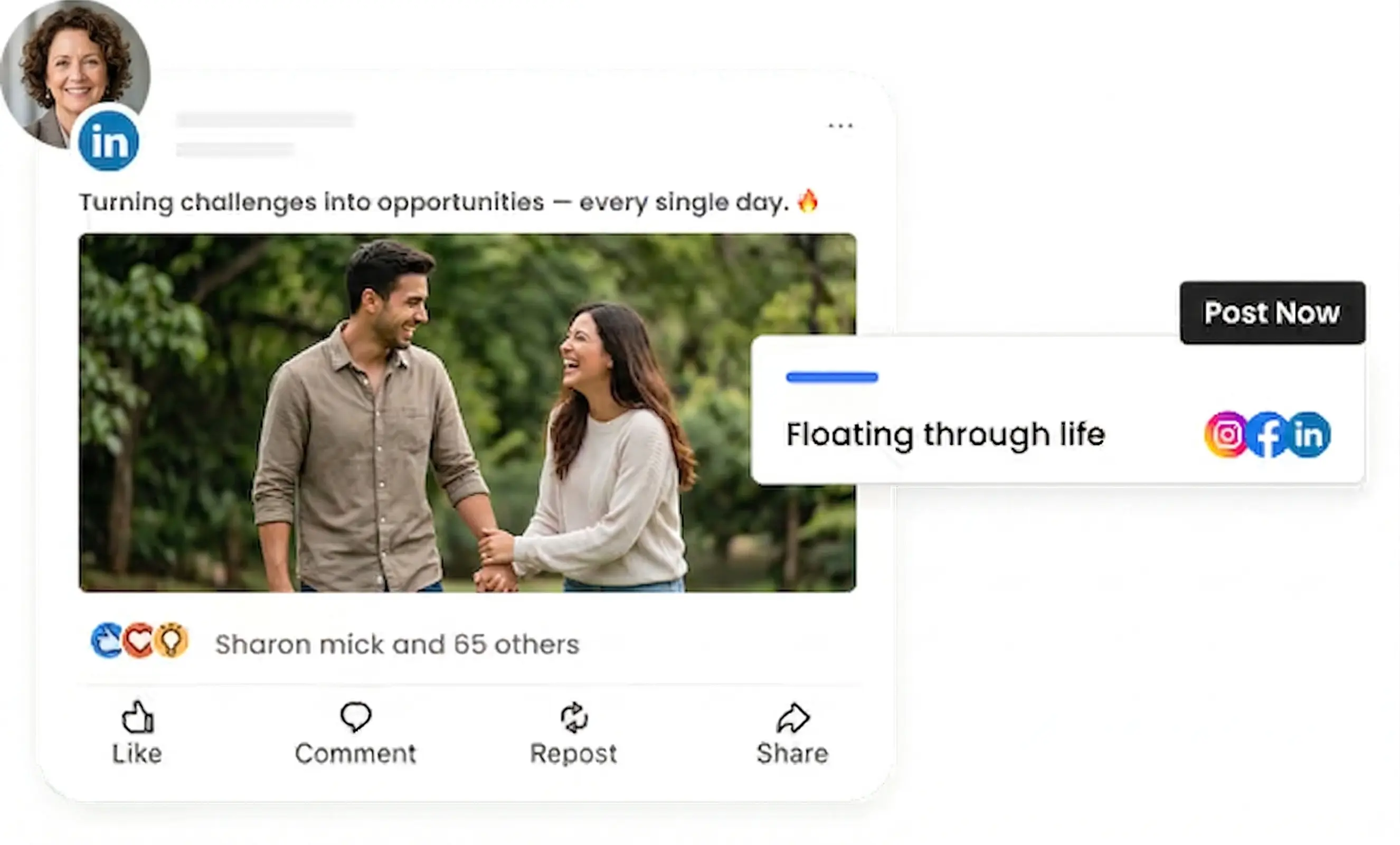
Agencies: less admin, clearer client delivery
Switching brands all day is exhausting when each one has a different doc and login habit. Keep queues, templates, and exports consistent.
- Organize work by client or brand without losing the thread between accounts.
- Bulk scheduling for retainers, launches, and seasonal pushes—same workflow, less repetition.
- Straightforward views for what ran and how it performed when it is time to report.
- Creators
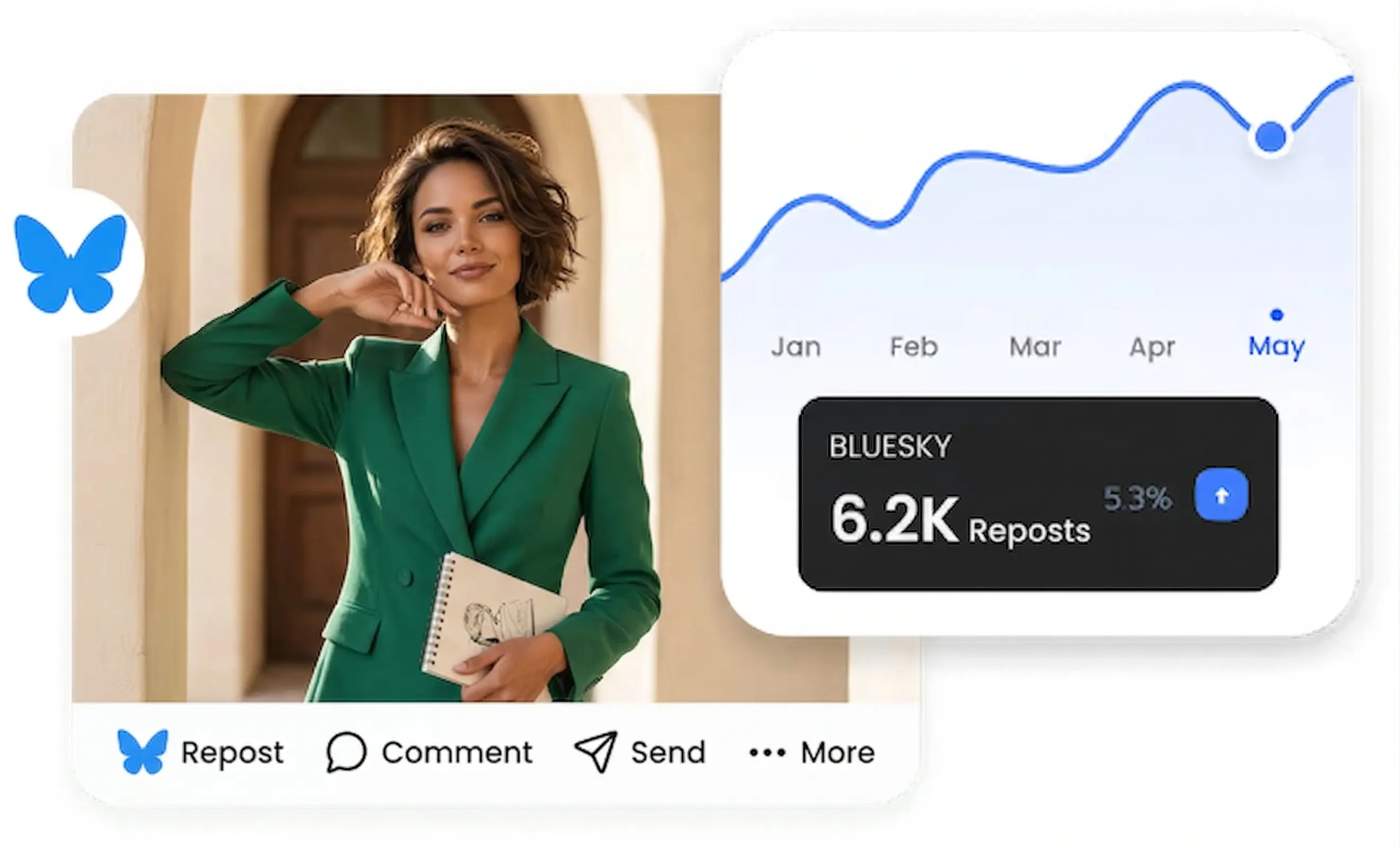
Creators: stay consistent without living in apps
Posting often is the job; fighting each platform’s composer is not. Batch ideas, preview per network, and let scheduling handle timing.
- Queue ahead in one sitting with sensible defaults for each channel you use.
- Previews catch bad crops or long copy before followers see mistakes.
- Light analytics so you know what to repeat—without a separate analytics tab for every network.
Build with Post See
Hook Post See into your own apps or internal tools with the REST API, or use MCP so assistants can draft and schedule with the same workspaces you use in the dashboard—handy for agencies and automation.
AI Suite – $10/mo or $96/yr·Requires an active paid plan
POST /v1/posts
// REST · one payload, all accounts
// Schedule, draft, or publish
// Your server, your API keys

/* MCP */
// Claude, Cursor, Codex → posts from chat
// Tools: list_social_accounts,
// list_posts, create_post, …
// Read-only mode for safe automations

✓ Same workspaces as the dashboard
✓ Idempotent scheduling, clear errors
✓ OpenAPI-friendly JSON
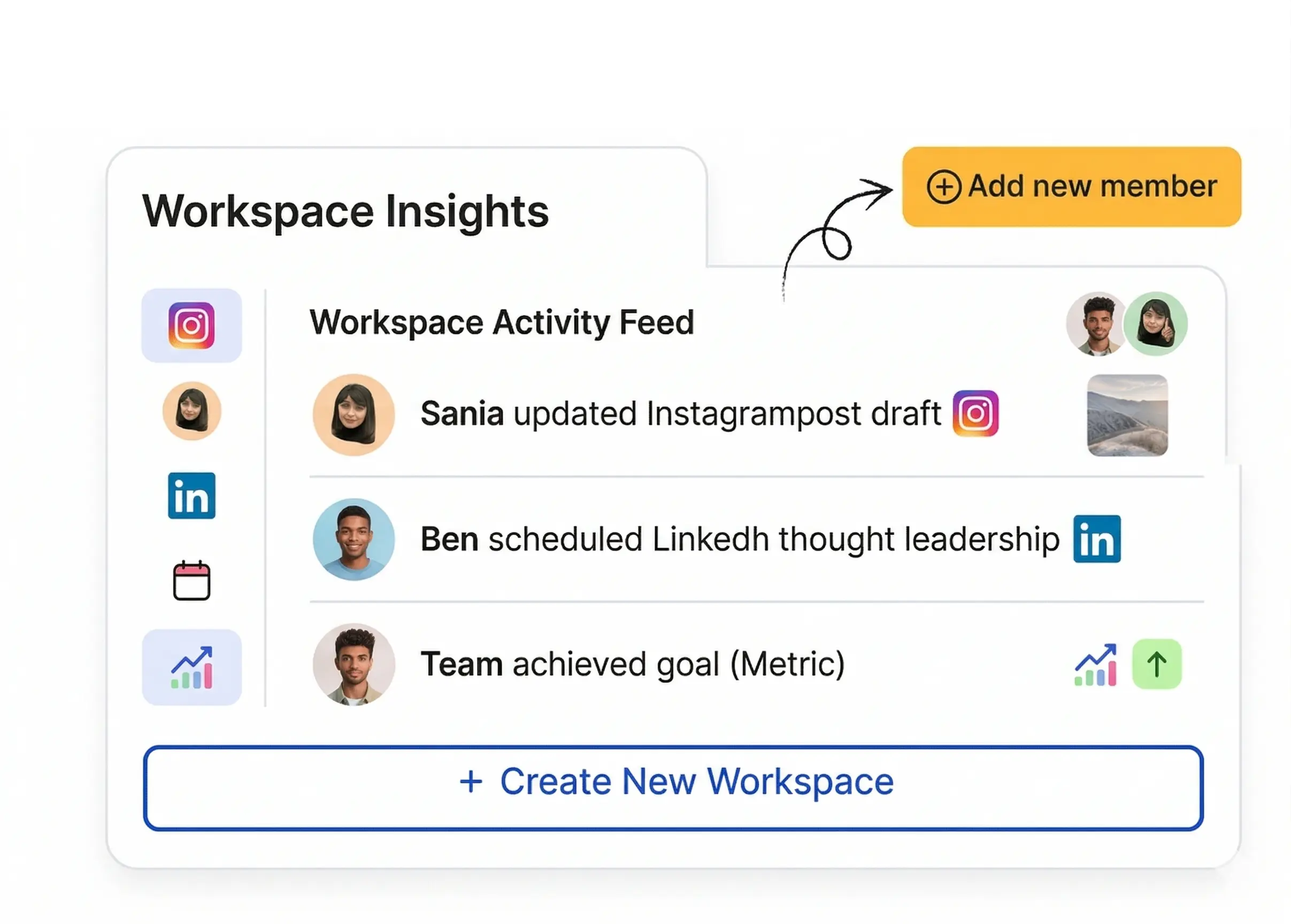
Get started with Post See
Profiles, publishing, and a clear view of what is queued—in one workspace for teams that post regularly and still care about getting details right.